How Can We Help?
Add a user to a project
Invite your team to collaborate in your project.
Remember, you can only invite the users you’ve previously added to your account. If you need to add a new user [] you will need to add them first to your account.
Under the project settings, scroll down to the User Management table. Type in the user name or select the user from the dropdown.
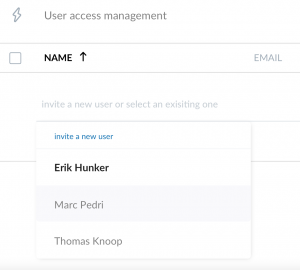
Don’t forget to hit the SAVE button on the top right corner before you exit the settings page.
If you have any trouble please contact us at support@evodynamics.io
Happy analyzing!